Team building games with your own team: a card game of colleagues’ photos
The new starter, the head of finance, the office dog, the temperamental printer and your company logo – all on round cards, where any two cards share exactly one picture. Find it first and shout it out. Start from our office symbols, swap in photos of your team, and print the deck for the next meeting, away day or Christmas do.
Start with office symbols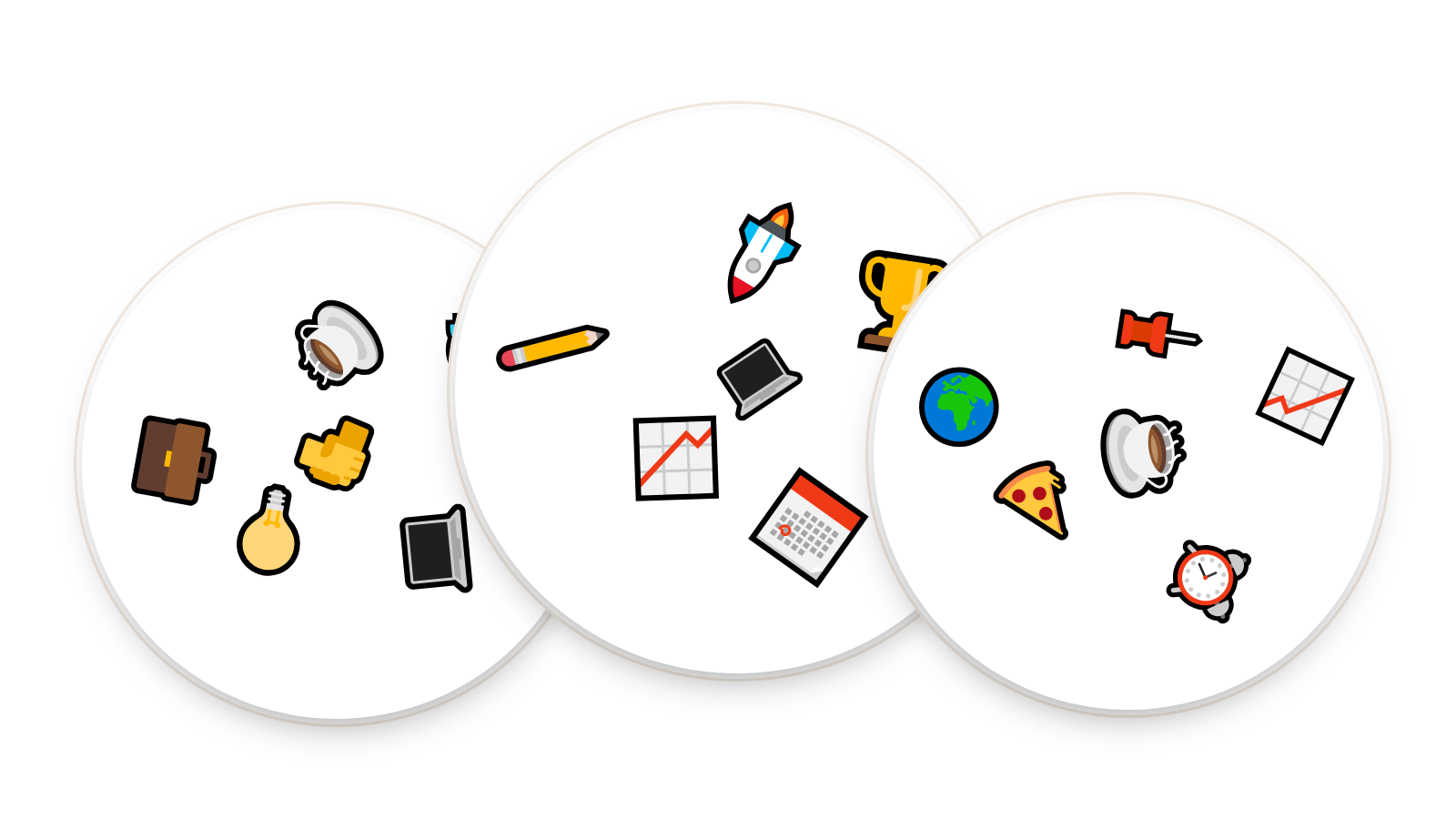
Why a matching game works for teams
Most team building activities need a venue, a facilitator or an hour nobody has. This one needs a table and ten seconds of rules: turn over two cards, find the one picture they have in common, say it out loud. Interns and directors play on equal terms, a round takes two minutes, and the quietest person in the room is often the fastest.
When the pictures are your own people, the game does the icebreaking for you. Everyone has to put a name to a face to win a card, so a new starter learns who is who by lunchtime, and a team that mostly meets on video calls finally sees each other on the same table.
Four ways to use it at work
- Icebreaker and onboarding: a deck with a face for everyone in the team, plus the kettle, the meeting rooms and the coffee machine. Play a round at the start of a workshop or on a new starter’s first day – it is the quickest way to learn twenty names.
- The office Christmas party: a deck of team photos, party hats and the year’s in-jokes for the Christmas do. A game for small groups at the table between courses, or a tournament with a prize for the winning department.
- Away days and offsites: a calm game for the coach, the hotel bar or the gap between sessions. Print one deck per table and run a quick knockout before the all-hands, or keep it for Friday drinks back at the office.
- A gift for staff or clients: your own company logo, your products, your office and your people on a deck of cards. A Christmas gift for the team or a thank-you for clients that gets played rather than put in a drawer. Use only logos and pictures your company owns.
How to make it
- 1
Open the editor with office symbols
The button on this page loads 57 office and team symbols – a laptop, coffee, a lightbulb idea, a target, a handshake and a rocket – into a 55-card deck. For a quick icebreaker, choose 13 cards (free) or 31 cards in the editor.
- 2
Swap in your team’s photos
Drag in headshots of colleagues, your company logo, product shots and the office pets to replace any symbol. One click removes the background, so a face sits neatly on the card. Ask colleagues first before you put their photo on a deck.
- 3
Arrange the cards
The deck is worked out for you: any two cards always share exactly one picture. Resize and rotate pictures, or swap them between cards, until it looks right.
- 4
Brand the card back
Pick your company colours as a solid colour or a gradient, or upload your own picture for the back – your logo, a team photo or the name of the event.
- 5
Download and print
Download a print-ready PDF for A4 or US Letter paper. Print it on the office printer or send it to a print shop – once you have the PDF, print as many decks as you need for every table, team or client.
Office and team symbol ideas
Pick pictures that look different from each other at a glance: a laptop, a doughnut and a cactus are easier to tell apart than five kinds of chart.
- Laptop
- Cup of coffee
- Briefcase
- Lightbulb idea
- Target
- Handshake
- Rising chart
- Trophy
- Rocket
- Calendar
- Pencil
- Friday pizza
- Jigsaw piece
- Desk cactus
- Printer
- Paperclip
- Drawing pin
- Headphones
- Mobile phone
- Doughnut
- Party popper
- Alarm clock
- Key
- Parcel
- Biscuit for the tea round
- Brain
- Globe
- Battery
- Microphone
- Unicorn
- Bike for the cycle to work
- Croissant
- Birthday cake
- Glass of fizz
- Christmas tree
- Present
- Pint for Friday drinks
- Bowling
- Dice
- Chess piece
- Football
- Table tennis
- Magnet
- Banana
- Spanner
- Megaphone
- Aeroplane
- Seedling
- Star
- Fire
- Heart
- Office dog
- Apple
- Speech bubble
- Bell
- Books
- Rainbow
Photo ideas
Headshots are the most fun, but twenty people in navy jumpers against a white wall start to look alike. Mix faces with objects, places and colourful things, crop close so each picture fills its circle, and check everyone is happy to be on a card.
- A headshot of everyone in the team – the new starters included
- The managers as children, if they are good sports
- Your company logo and your product or service in one picture
- The office itself: the front door, the meeting rooms, the view from the kitchen
- The kettle, the coffee machine and the printer that never works
- Office pets and plants, including the one nobody waters
- The team’s favourite lunch place and the Friday pizza
- Photos from last year’s away day, Christmas do or charity run
- Mascots, awards and the trophy from the five-a-side league
- In-jokes only your team would get: a catchphrase, a famous typo, the mug everyone fights over
Ways to play at work
The core rule never changes: find the one picture two cards share and name it first. These variations fit around a working day.
Stand-up round
Two minutes at the start of a meeting: one card face up in the middle, everyone holds one card. Name the match with the middle card and take it. Most cards when the timer goes off chooses who speaks first.
Who’s who
For a deck of team photos: when the match is a colleague’s face, you have to say their name and their job before you can take the card. Ideal for a new starter’s first week or a team that has just merged.
Tea round
Deal all the cards out, one face-up card in the middle. Match your top card to the middle card, name the picture and put your card on top. First to empty their pile wins – last one makes the tea round.
Department knockout
For the Christmas do or an away day: each table or department plays its own round, the winners go through to a final in front of everyone. One deck per table; print as many as you need from the same PDF.
Remote round
For a hybrid team: everyone prints the same PDF at home. The host holds one card up to the camera, each player turns over their own top card and the first to name the match with the host’s card scores a point.
Client pitch
A quiet version for a stand at an event or a client lunch: two players turn over a card at the same time, first to name the match wins. Best of five; the winner keeps a small deck with your logo on it.
Printing your deck
Choose the deck size by how long you have. 13 cards with 4 pictures each is a five-minute icebreaker and a free way to try it. 31 cards with 6 pictures each fits a small team. 55 or 57 cards with 8 pictures each is the full-size game – enough faces for a department of fifty; 55 is the usual count in boxed matching games and leaves the two spare cards out.
Each deck downloads as a PDF laid out for A4 or US Letter paper, ready for the office printer or a print shop. A deck suits two to eight players, so for a bigger event print one deck per table – there is no minimum order and no limit on how many copies you print.
- Paper: 300 gsm card stock is sturdy enough to shuffle; matt card hides fingerprints better than gloss. Most print shops have it.
- Size: cards are round and you set the diameter in the editor, from 40 to 100 mm. 85 mm is the size of the best-known matching games; 60–70 mm fits in a small gift box or a conference bag.
- Cutting: a circle paper punch in your card size gives clean edges in seconds – a good job for the first ten minutes of the away day.
- Double-sided: each page of card backs follows its page of fronts, mirrored for printing on both sides. Print the single test card first to check the printer lines them up.
- Packaging: a small tin or a kraft box with your logo sticker makes it a staff or client gift.
MatchedCards compared with Dobble and Spot It!
If your team has played Dobble or Spot It!, a deck of your own plays the same way: any two cards share exactly one picture. Here is what is different.
| MatchedCards | Dobble and Spot It! | |
|---|---|---|
| Pictures | Your colleagues, your logo and any symbols you choose | The illustrations printed by the publisher |
| Number of cards | 13, 31, 55 or 57 | 55 in the standard game |
| Format | A PDF you print and cut yourself | A printed boxed game |
| Several decks | Print as many copies of your PDF as you need | Buy one box per deck |
| Price | Free for 13 cards, from $6.20 for larger decks | Retail price of the boxed game |
Start your team’s deck
The editor opens with 57 office and team symbols ready to go. Swap in your colleagues and your logo, download the PDF and print a deck for every table.
Start with office symbolsQuestions
How much does it cost?
A 13-card deck is free. Bigger decks are a one-time payment: $6.20 for 31 cards, $11.00 for 55 cards and $11.40 for 57 cards. You pay once per deck design, not per printed copy.
Can we print a deck for every table or every member of staff?
Yes. You download a PDF and print it as many times as you like, at the office or at a print shop. There is no minimum order and nothing is posted; printing and cutting are up to you.
Can we put our company logo on the cards?
Yes – upload your logo as one of the pictures and as the card back. Use only logos, product photos and artwork your company owns or has permission to use; other companies’ logos and characters are not yours to print.
How many people can play?
One deck suits two to eight players. For a team of thirty, print four or five copies of the same deck and play by table, or run a knockout with the winners of each table in the final.
How many photos do we need?
A 13-card deck uses 13 pictures, a 31-card deck uses 31, and the 55- and 57-card decks use 57. Start from the office symbols and replace as many as you like: a team of twelve among coffee cups and laptops works as well as a deck of faces only.
Does it work for remote or hybrid teams?
Yes, if everyone has a printed copy: send the PDF round, each person prints the same deck at home, and the host holds cards up to the camera. Every card still shares exactly one picture with every other card, whoever is holding it.
Is this the official Dobble or Spot It! game?
No. MatchedCards is an independent alternative to Dobble and Spot It!: it uses the same kind of matching mechanic, but the deck, the pictures and the rules variations here are your own.
Dobble and Spot It! are trademarks of Asmodee Group. MatchedCards is not affiliated with or endorsed by Asmodee.